Resend Integration
Resend Integration for Frappe
- Author: NagariaHussain
- Repository: https://github.com/NagariaHussain/resend_integration
- GitHub stars: 8
- Forks: 1
- License: NOASSERTION
- Category: Integrations
- Maintenance: Unmaintained
- Frappe versions: develop
Install Resend Integration
bench get-app https://github.com/NagariaHussain/resend_integrationAdd the Frappe Gems badge to your README
Maintain Resend Integration? Paste this into your README:
[](https://frappegems.com/gems/apps/NagariaHussain/resend_integration)About Resend Integration
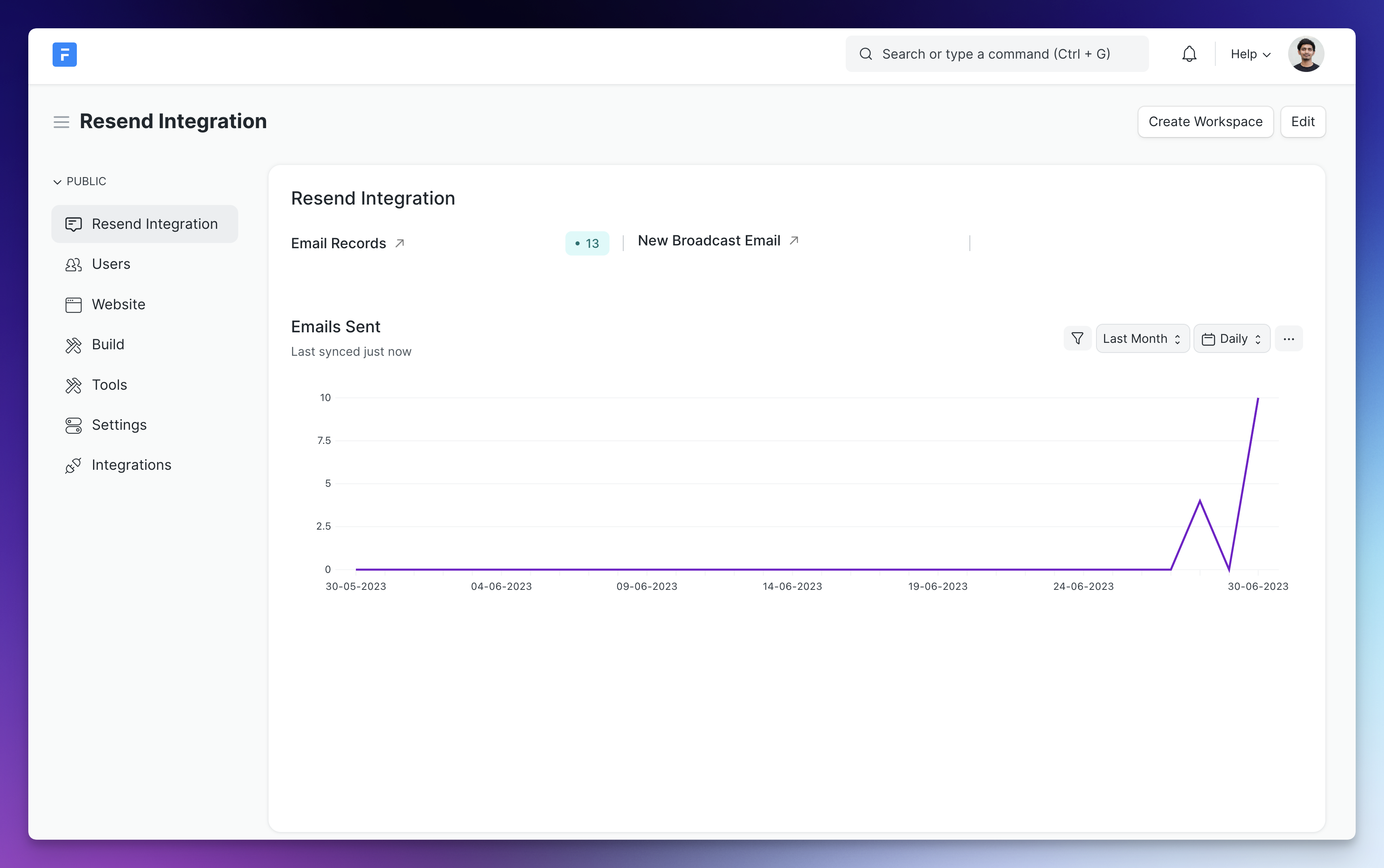
## Resend Integration
[resend.com](https://resend.com) Integration for Frappe
## Installation
Follow [this](https://frappeframework.com/docs/v14/user/en/installation) documentation to setup bench and then you can install this app by running the commands below:
```sh
bench get-app NagariaHussain/resend_integration
bench --site install-app resend_integration
```
### Setup
Head over to your [Resend](https://resend.com) dashboard and generate an API key, and paste it in **Resend Settings**:

#### Webhook Setup
Add webhook with URL:
```
https:///api/method/resend_integration.api.handle_resend_webhook
```
Copy the signing secret from your webhook dashboard on Resend:
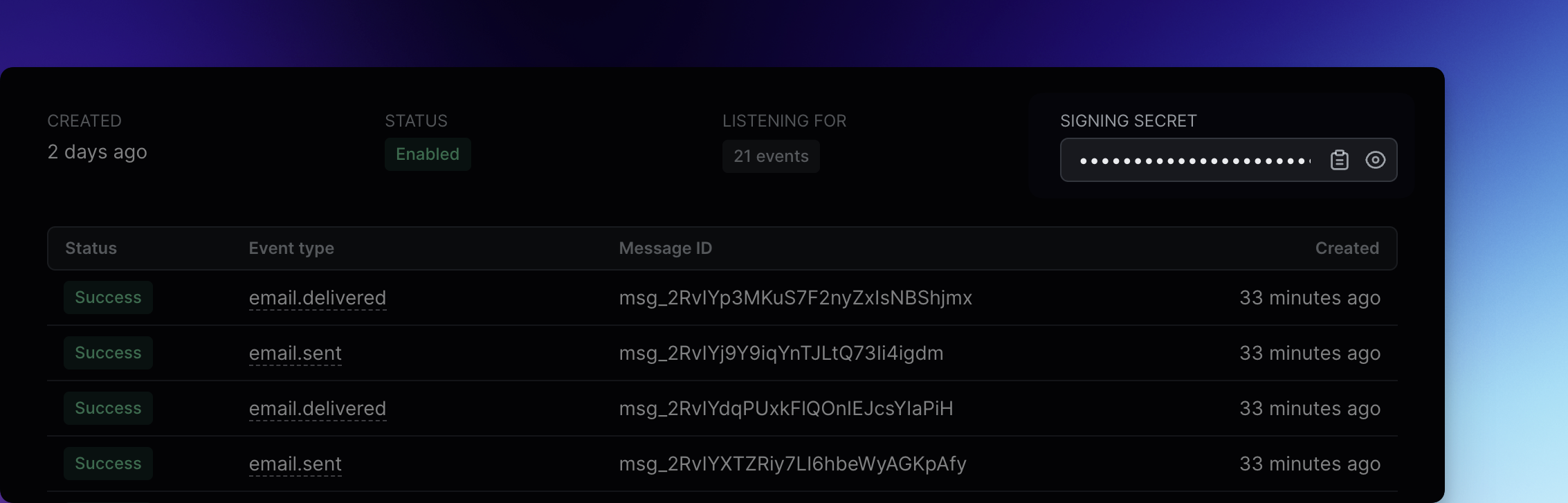
and paste it in **Resend Settings** in your Frappe instance.
### Sending Broadcast Emails
Use the **Resend Broadcast Email** DocType.
### API
You can send emails from your custom app or server scripts too:
```python
from resend_integration.api import send_resend_emails
send_resend_emails(
"Get discount!",
from_email="notifications@buildwithhussain.dev",
to_emails=["faris@frappe.io"],
email_html="
Hey!
", reply_to="hussain@frappe.io", ) ``` > Note: You will need to verify your domain before you can use it to send emails. For example, in the above example, "buildwithhussain.dev" has been already verified from Resend dashboard. #### License AGPL 3.0Related Integrations apps for Frappe & ERPNext
- Insights — Open Source Business Intelligence Tool
- Raven — Simple, open source team messaging platform
- Frappe Whatsapp — WhatsApp cloud integration for frappe
- Frappe Assistant Core — Infrastructure that connects LLMs to ERPNext. Frappe Assistant Core works with the Model Context Protocol (MCP) to expose ERPNext functionality to any compatible Language Model
- Biometric Attendance Sync Tool — A simple tool for syncing Biometric Attendance data with your ERPNext server
- Frappe React Sdk — React hooks for Frappe
- Frappe Js Sdk — TypeScript/JavaScript library for Frappe REST API
- Mcp — Frappe MCP allows Frappe apps to function as MCP servers